




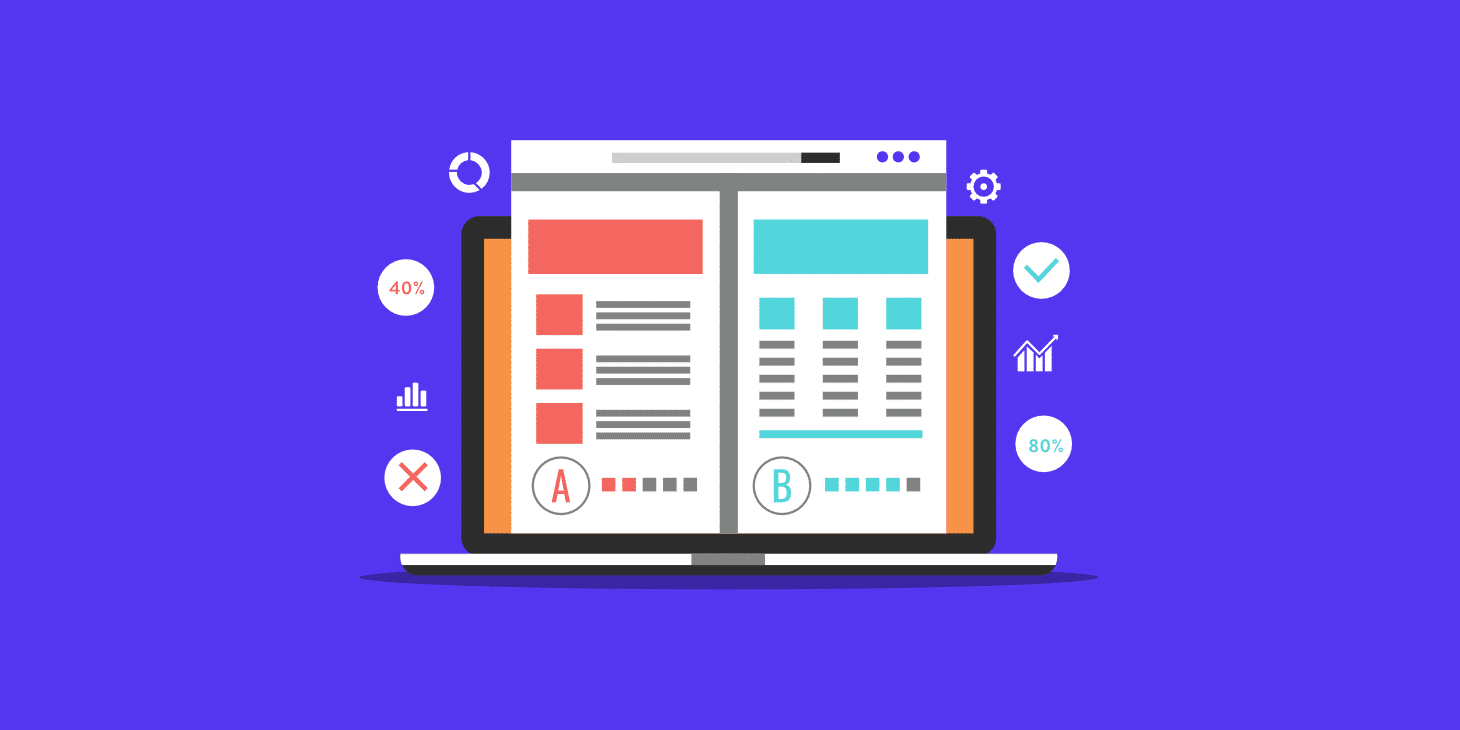
Changing a sentence feels like a small job. Then the new sentence wraps onto four lines, the button moves below the photograph and the mobile page suddenly looks unbalanced. Nothing is broken in the technical sense, but the page is worse than it was before the edit.
Most businesses make these little changes far more often than they redesign their websites. A useful maintenance routine needs to account for that ordinary editing work, including changes made by people who aren’t developers.
Decide what an editor can safely change
Give staff clear boundaries. They may be comfortable updating text and choosing an existing image, but less certain about altering a reusable layout or adding a new plugin. Make the point at which they should ask for help easy to recognise.
This is particularly useful for shared elements. A header, footer or reusable section can appear across many pages. Before editing one, check whether the change is local or will affect the whole site. The editor should know the scope before pressing Save.
Preview the page as a visitor
After an edit, open the resulting page outside the editing interface. Check the changed area and the surrounding content. A sentence that makes sense alone can repeat something nearby or leave the next paragraph referring to information that has been removed.
Look at a narrow screen as well as a wide one. Long headings, new button labels and replacement images deserve particular attention. If the page is cached, ask the maintainer which process confirms that visitors are seeing the intended version rather than relying on repeated refreshes.
Treat links as part of the copy
Open every link you add or change. Confirm that the destination is the intended page and that the link text describes it accurately. When a document is replaced, check whether the existing link still reaches the correct version.
An old brochure can remain available even after the page around it is updated. That creates a confusing experience: the page says one thing and the download says another. Keep the page, document and any relevant navigation labels in the same review.
Give images a little attention
Choose an image suited to its job and check how it is cropped in the final layout. A wide banner and a square card have different needs. Squeezing one image into every available position can hide the detail the visitor was meant to see.
Use appropriate alternative text for meaningful images and avoid putting essential instructions only inside a graphic. Ask for guidance when the image has a more complicated purpose. A tidy media library also helps staff find the approved version instead of uploading another near-duplicate each time.
Check the action the page asks for
If the edit concerns an offer, date or service, follow the next step. Does the button lead to the matching form? Does the confirmation mention the same offer? Is the receiving team ready for the information the page promises customers can request?
Consider a course page where the date changes but the registration form still lists last month’s session. The content edit is incomplete even though the visible paragraph is correct. Checking the connected process catches that mismatch before a customer has to explain it.
Keep an easy route back
Know which recovery options are available for the type of edit you’re making. Page revisions may help with some content changes, while broader layout or configuration changes can need a different approach. Don’t assume every kind of change is covered by the same undo mechanism.
For anything unfamiliar, ask the person responsible for the site before experimenting on a busy live page. If the business needs continuing support, WordPress maintenance with BugShield is a place to discuss the boundary between routine fixes and planned content or design work.
Make review proportionate
A corrected spelling doesn’t require a meeting. A changed pricing table, application form or shared banner deserves more care. Match the review to the consequences of an error and ask another person to check high-importance content.
A short note of significant edits can save time later: what changed, when it changed and who checked it. The purpose is to make everyday editing dependable. When staff know the boundaries and follow a small checking habit, the website can stay current without every change becoming a technical project.