




Picture this: You tap the “Submit” button of a form and nothing happens. No checkmark or thumbs up confirmation. Did it work or should you click again? You stare at a blank screen and feel frustrated.
Thankfully, this rarely happens in reality! Every interaction with the app triggers an action or a moment of delight that makes the app feel alive and keeps users engaged with the app.
These moments or micro interactions are what drives the UX, and is the secret sauce for user retention.The micro interactions are small, purposeful interactions like, pull to refresh on instagram,password error feedback on a form, animated progress bars in food delivery apps and more. These tiny details are built to prevent any confusion and make digital experiences feel more intuitive.
AI-powered user interfaces are dominating the market and integrating micro interactions in these smart apps is what makes them usable and transparent. AI driven apps work behind the scenes like analyzing databases, reasoning and generating, keeping the user waiting for the output. Micro interactions add an extra layer of trust by informing the user what AI is doing in the background and making the wait worthy.
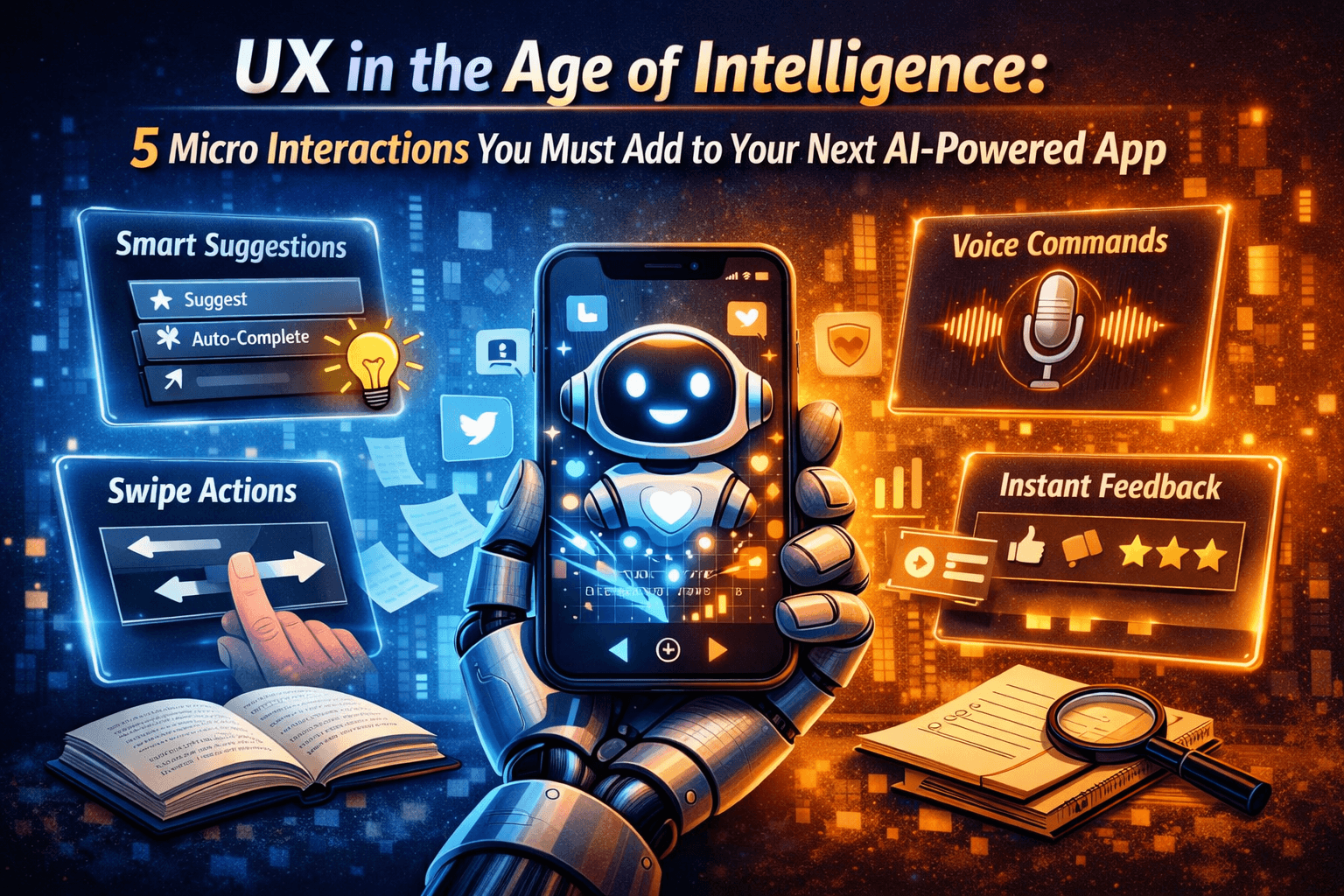
In this article we will dive into the 5 micro interactions you must add to your next AI-powered app. But first, let’s understand the significance of micro interactions in the age of intelligence.
Why do Micro Interactions Matter in the Age of Intelligence?
AI-powered intelligent interfaces are complex as these are driven by algorithms that analyze data to make predictions or recommendations. These actions take place in the background, to which the users have no visible cues. This can make the users feel disconnected from the app. Micro interactions like a dynamic loading bar with changing colours or subtle animations can act as a bridge between intelligent systems and the human need for clarity. When creating app design, integrating micro interactions not only simplify the UX but assure the users that the system is working as expected.
Here’s why you should add micro interactions in AI-powered tools
-
Improves Transparency
AI-powered intelligent systems work behind the scenes by crunching data and driving decisions that are not visible to the user. Micro interactions make these processes feel transparent by adding subtle indicators which shows that the system is responding. This sense of clarity prevents the user from feeling confused.
-
Navigates User Behavior
Intelligent tools require multiple steps for user actions. These include adding input data or moving between screens. Micro interactions guide users through these stages seamlessly, preventing them from feeling frustrated or overwhelmed.
-
Creates Personalized Experience
AI-powered tools can often appear mechanical as these process decisions in the background. Micro interactions warm up this experience by adding human-like touches to make the system look more responsive.
-
Builds User Trust
UX is built on trust, and with AI-powered interfaces trust becomes paramount, as users are more likely to use a tool they understand. Micro interactions bridge the human-machine barrier by transforming machine logic into clear signals users can relate to.
5 Micro Interactions You Must Add to Your AI-Powered App
Contrary to its name, micro interactions create a substantial impact on UX and retention. These fine elements, when integrated in AI powered apps,creates a seamless flow, drives user engagement and provides a human touch to the seemingly robotic tool.
Given below are 5 effective micro interactions you must add to AI-powered apps
1. Error Handling
This is widely used in mobile banking apps. If an user enters the wrong pin, it immediately triggers a quick shake animation and a color coded (usually red) alert. This micro interaction shows the user that something went wrong while entering the pin. Instead of leaving the user confused with a blank screen, this cue provides clear feedback on the error. The result is reduced user frustration, and a seamless guidance towards correction. This makes the app feel supportive and builds user confidence.
2. Loading Indicators
This is used in food delivery apps or AI-driven fitness apps. As discussed earlier, information processing in AI tools takes time. In food delivery apps, a progress bar indicates that order is on the way, while a progress bar in a fitness app can indicate workout completion. These micro interactions can keep the user engaged and mitigate the feeling of abandonment. It also assures the user that work is in progress in the background. This transforms the waiting time into a delightful experience for the user.
3. Smart Search
Typing a query in a travel booking app or an ecommerce app instantly highlights matching recommendations. In flight booking apps, entering a “from” and “to” query triggers an autofill, suggesting routes and deals. Similarly, in an AI-powered ecommerce app, typing a product query instantly highlights the matching products and even moves those on the top section of the result. With Smart Search, finding information becomes frictionless and easy. It eliminates guesswork and provides guided feedback that restores user trust in the system.
4. Mobile App Gestures
Simple acts like swiping to the left to delete an email, double tapping on a photo to like it or pinching an image to magnify it are the everyday used micro interactions in mobile apps. These are primarily used in messaging apps, client emails and social media platforms. These gestures in professional app interface cut down the extra taps, speed up navigation and make AI responses seamless. Integrating micro interactions that mimic natural motions in intelligent apps makes it humanlike, and creates a flow that keep users engaged.
5. Personalized Animations
These are small yet powerful micro interactions that make the AI-driven apps more interactive and user-friendly. A workout completion in a fitness app may trigger a confetti burst, a lesson completion in a learning app is celebrated with a glowing badge, while finishing a task in a productivity app leads to a subtle animation. These gestures in health, learning and productivity apps recognize the achievements of the users and make them feel valued. Personalized moments of recognition boost user trust and help build a lasting connection with the app.
Closing Thoughts
Micro interactions appear small but they greatly influence how users interact with digital products. Integrating these interactions in AI-powered apps makes everyday tasks seamless and amplifies user delight boosting engagement and retention.